
 Observed in MatosConnect field testing
A smarter wireless choice
Why settle for one?
Three leading networks. One MatosConnect experience.
One compatible device and one MatosConnect eSIM can connect through supported available partner networks—without asking you to manage three carrier accounts.
Observed in MatosConnect field testing Observed in MatosConnect field testing
 Observed in MatosConnect field testing
Network availability varies by device, location, service type, configuration, and network conditions. Verizon, AT&T, and T-Mobile are trademarks of their respective owners. These companies do not sponsor or endorse MatosConnect.
Guided compatibility review
Prepare your phone’s IMEI number.
The IMEI identifies your exact device model. Online compatibility results are not yet available; our team will review eligible requests directly.
Use the contact page to request a guided device review. Do not submit passwords or activation codes.
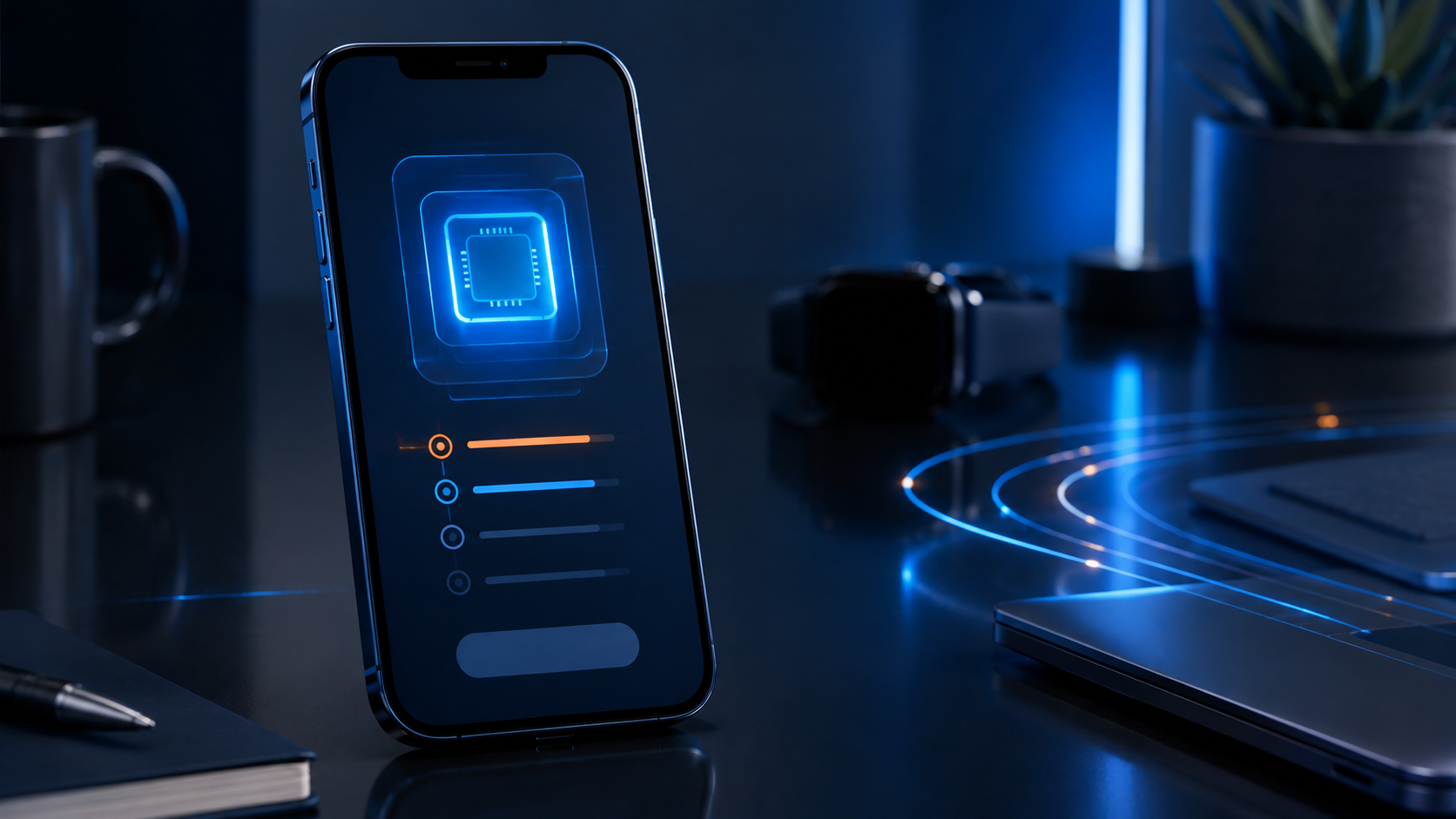
How to find your IMEI
iPhone
- Open Settings.
- Choose General, then About.
- Scroll to IMEI.
Android
- Open Settings.
- Choose About phone.
- Find IMEI or Device information.
You can also dial *#06# from most phones to display the IMEI.
Connected life
A smoother path to activation
Prepare the device, confirm network fit, and know what to expect before moving your number.