
 Observed in MatosConnect field testing
A smarter wireless choice
Why settle for one?
Three leading networks. One MatosConnect experience.
One compatible device and one MatosConnect eSIM can connect through supported available partner networks—without asking you to manage three carrier accounts.
Observed in MatosConnect field testing Observed in MatosConnect field testing
 Observed in MatosConnect field testing
Network availability varies by device, location, service type, configuration, and network conditions. Verizon, AT&T, and T-Mobile are trademarks of their respective owners. These companies do not sponsor or endorse MatosConnect.
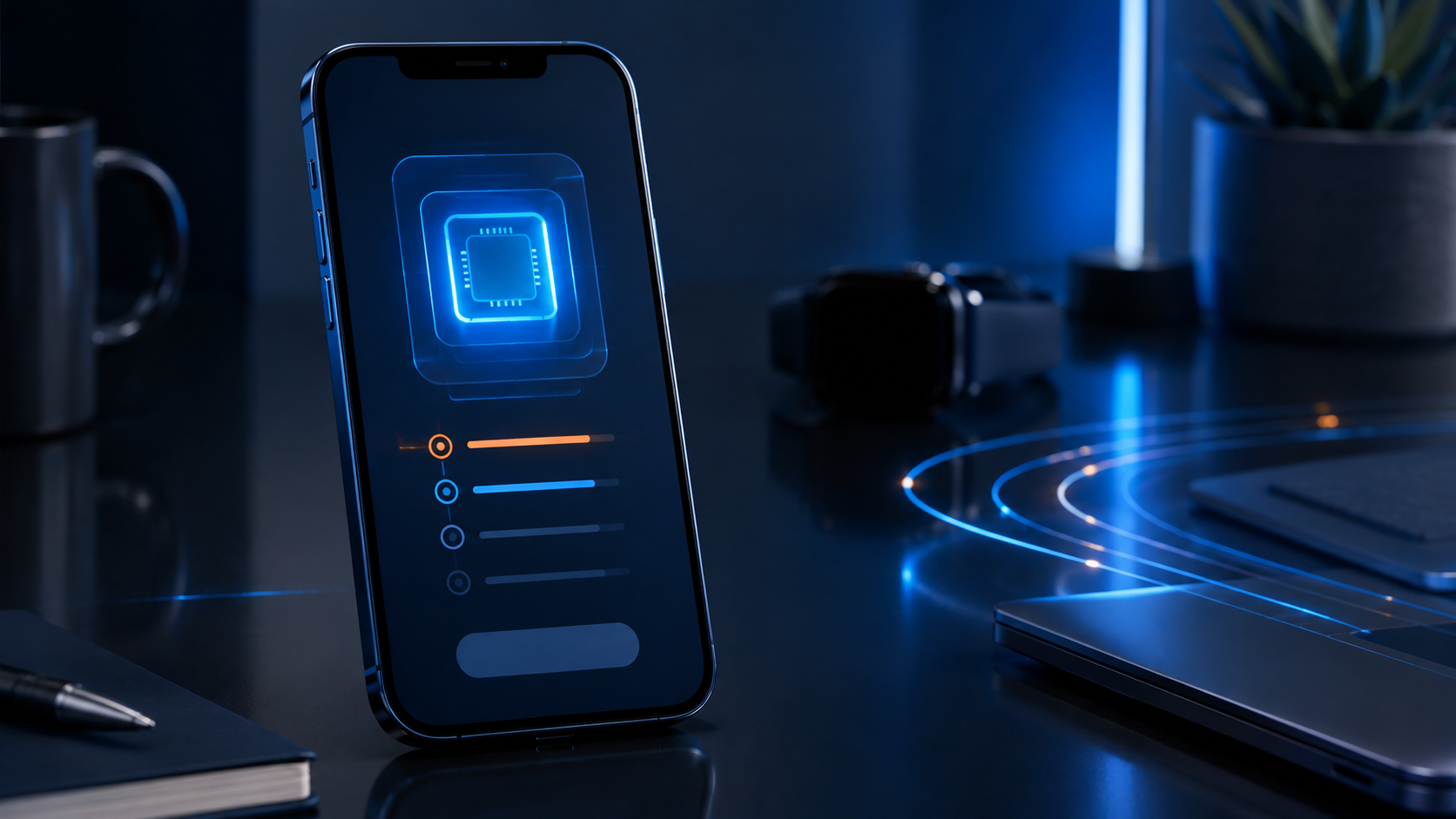
1. Confirm your phone
Confirm that the phone is unlocked and compatible.
2. Choose service
Choose Standard or Premium service.
3. Receive a secure invitation
Receive an approved secure MatosConnect activation invitation.
4. Install the eSIM
Install the eSIM and complete guided service checks.
5. Use MatosConnect
Use MatosConnect while the compatible device connects through supported available networks.
Availability always varies
Network selection and availability are controlled by device, SIM configuration, location, service type, and network conditions. MatosConnect does not promise access to every displayed network at every time.
Connected life
Guided, secure activation
Never publish passwords, codes, or activation credentials.